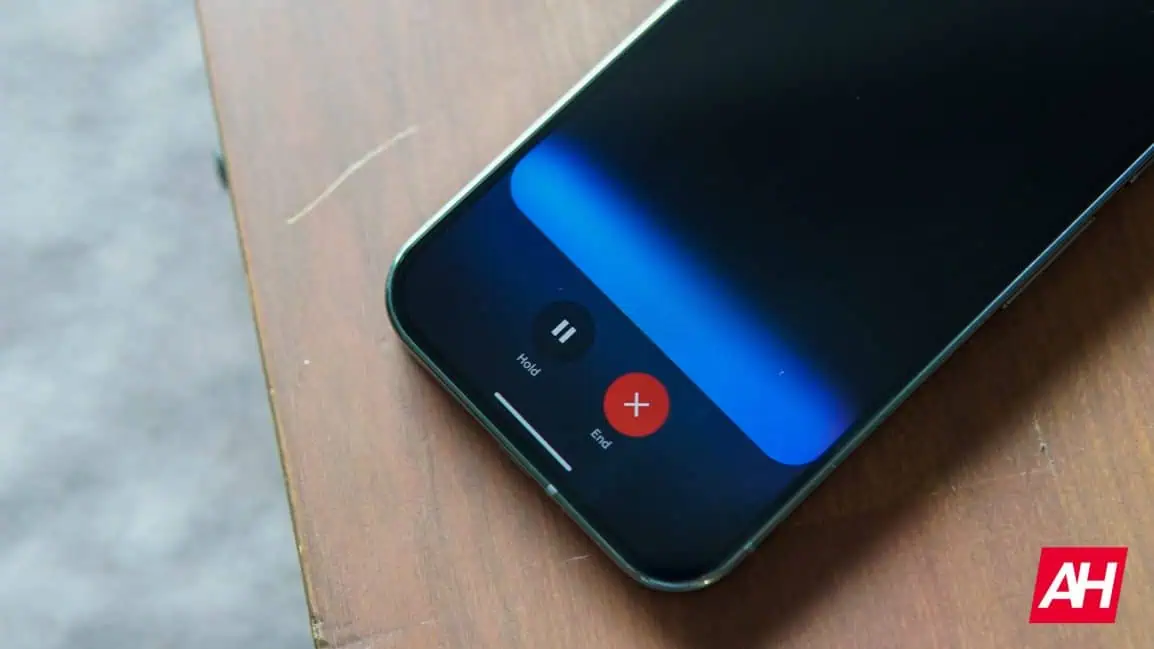
Google is finally fixing the most annoying thing about mobile AI with a massive, sleek update to Gemini. A brand-new beta is rolling out right now, completely transforming your Android screen into a multitasking powerhouse.
- Goodbye Bulky Menus: A sleek new "pill" interface replaces the massive screen-hogging overlay.
- True Multitasking: Gemini Live now shrinks into a floating circle, letting you chat while using other apps.
- Everything in One Tap: A redesigned menu instantly organizes your camera, files, and advanced AI tools.
The End of Clunky AI Interruptions
Spotted in the latest Google app beta (version 17.3), the tech giant is completely overhauling how you use Gemini. The ultimate goal is to make the chatbot feel like a natural extension of your phone.
For years, triggering a virtual assistant meant watching it aggressively hijack your entire screen. Now, the standard pop-up has officially ditched its bulky look for a highly efficient "pill" shape.
Read Next: Apocalyptic Orange Skies: Massive Saharan Dust Storm Swallows the Greek Island of Crete
A Hidden Menu That Changes the Game
The "Ask Gemini" prompt is now front and center, featuring larger text and a sleek new microphone icon. But the biggest functional upgrade is hiding right behind the redesigned "plus" button.
Tapping this button opens an incredibly smooth, highly organized bottom menu. A sleek carousel gives you instant access to your Camera, Photos, Files, and Google Drive in one quick swipe.
Trending Globally: "I Am Ready to Die": Iran's President and 14 Million Citizens Make Terrifying Vow for Total War
Floating Chatbots and Seamless Multitasking
Right below that carousel, Google’s powerhouse features are neatly grouped together for the first time. Tools like image generation, Guided Learning, and Deep Research are finally easy to find without digging through menus.
This fresh philosophy is especially obvious with the new Gemini Live update. Instead of a massive fullscreen interface, the real-time voice chatbot now lives in a compact floating window.
Tech Alert: Is the New White House App Secretly Tracking Your Every Move? What We Found Inside the Code
How to Get the Sleek New Look Right Now
If you open another app while talking to Gemini, the magic really happens. The interface instantly shrinks down into a tiny, transparent circle, letting you scroll or watch videos without missing a beat.
Currently, these highly requested changes are only appearing for users actively enrolled in the Google app beta channel. However, if you are a beta tester, try force-stopping the Google app in your settings to instantly trigger the update.
If you aren't in the beta program, there's no need to panic just yet. You can expect this massive redesign to officially roll out to all Android users in the coming weeks.
Ameteyohannes Nega
Lead Viral Reporter at TrendStorm. Monitoring the pulse of the internet 24/7 to bring you the fastest breaking stories in tech, viral culture, and world news.